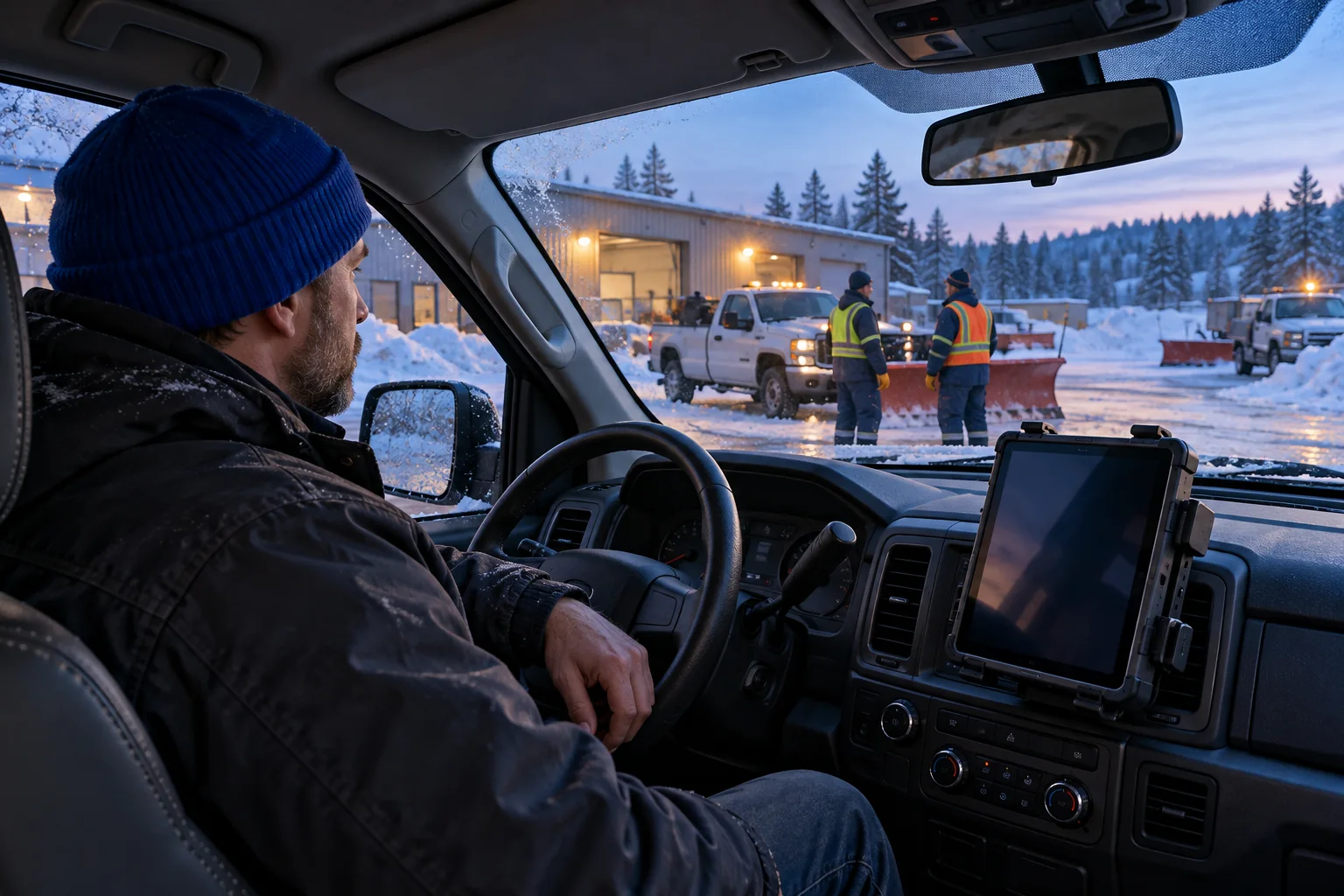
Choose the handoff before the storm
Start with a situation your team already recognizes. A vehicle blocks the planned entrance. A sidewalk crew needs to know where to meet. Someone reports a walkway that needs another check. Choose one situation for the first test and identify the two people who need to exchange the update. A focused exercise gives you something specific to observe.
Write the starting conditions in one sentence: dispatch knows the entrance is blocked, while the operator is preparing the next pass. Then write the outcome: both people can name the alternative entrance. You are testing whether the instruction is understood, not whether someone can repeat a feature description. Keep routing, work orders and service records in the systems your operation already uses.
Name the property and entrance first
A message that starts with “over there” asks the receiver to guess your context. Begin with the site reference or entrance name your team actually uses. Give the change, followed by one next action. Use the same names at the desk and in the field. If two entrances have similar names, resolve that before the test.
Illustrative exchange: Dispatch: “North entrance is blocked. Use the west access.” Operator: “West access. Understood.” The reply closes one clear instruction. In a real operation, use an approved property reference when there is any ambiguity. These captions are an example script, not an automatic transcript or a customer account.
Make the meeting point unambiguous
A crew handoff needs a location that both people can find. Name the entrance or landmark, say who is meeting whom, and ask for confirmation. Avoid combining a location change, a supply request and the next three properties into a single transmission. Each additional instruction is another opportunity for one part to be missed.
Illustrative exchange: Crew lead: “The west walkway is ready for inspection. Meet me beside the loading area.” Supervisor: “Loading area. I’ll meet you there.” If the supervisor needs more information, pause for the question. Do not treat a transmission leaving a device as proof that someone understood it.
Separate the update from the service record
Voice can alert a colleague to a change. The approved operational system should preserve the service detail. A request for a return visit still needs the location, responsibility and completion status recorded wherever your team manages that work. Vokuni’s public trial is a voice room, not a route planner or work-order system.
Illustrative exchange: Dispatch: “Please check the drift at the west walkway before the next assignment.” Operator: “West walkway check. I’ll report back.” The subsequent report belongs in the operation’s established record. A local trial recording can help review the test while the page is open, but it is not a substitute for a service record or a retention policy.
Check the cab, the microphone and the connection
Prepare one computer for dispatch and a phone or tablet for the field colleague. Each needs a compatible browser, microphone permission, an internet connection and audible output. Use the device mount, microphone or permitted headset that you intend to evaluate. Do not infer the quality of a cab test from a quiet office conversation.
Perform setup while stationary and follow workplace device-use rules. Compare a normal speaking voice under the relevant noise conditions. Check whether the receiver can name the entrance without guessing. Observe what happens when the device changes orientation, loses coverage or is locked; browser and device behavior can vary. Keep existing safety and emergency communication procedures in place.
Run a two-person trial with one question
Both people verify their own email address. One person opens a room and privately shares the invitation; the other verifies and joins. The public trial allows two people and up to ten minutes per email every 24 hours. Time begins when joining the radio. Reading the website or requesting an email link does not start that window.
Choose one question for the test: can the receiving person understand a changed entrance with this device and microphone? Hold to speak, then release to listen. Ask the colleague to state the next action in their own words. Swap roles and repeat the same situation. If audio fails, check permissions, input, output and connection before assuming the instruction is the problem.
Review the result before expanding the workflow
Finish with a short record of the device pair, the location, the noise conditions and the phrase that worked. Note any repeated words, unclear site references or connection changes. A test is useful even when it reveals a setup problem. Identify one adjustment and repeat it under the same conditions so you can compare observations.
Trial recordings stay in browser memory. Let both participants know they are being recorded, then replay or save the recording before refreshing or closing the page. Unsaved audio is lost. Separate workspace channels and shared history require workspace access; the trial does not unlock those capabilities. Use the result to plan your next evaluation, without treating one successful conversation as a reliability guarantee.